Choose which event types to show in Google Calendar
We’re continuing to add new features to our Google Calendar integration: You now get a choice of which event types to show in shared calendars! When setting up a shared Google Calendar, you are no longer limited to just seeing approved time off – it’s now also possible to see:
- Pending time off
- Office holidays
- Work anniversaries
- Birthdays
- Part-time non-working days (e.g. someone doesn’t work on Fridays)
You can pick and choose which event types to show for each calendar, so if you want a calendar with only work anniversaries and birthdays, you can do that.
The options are available when editing a shared calendar under Settings → Google Workspaces Integration → Add (or edit) shared calendar.
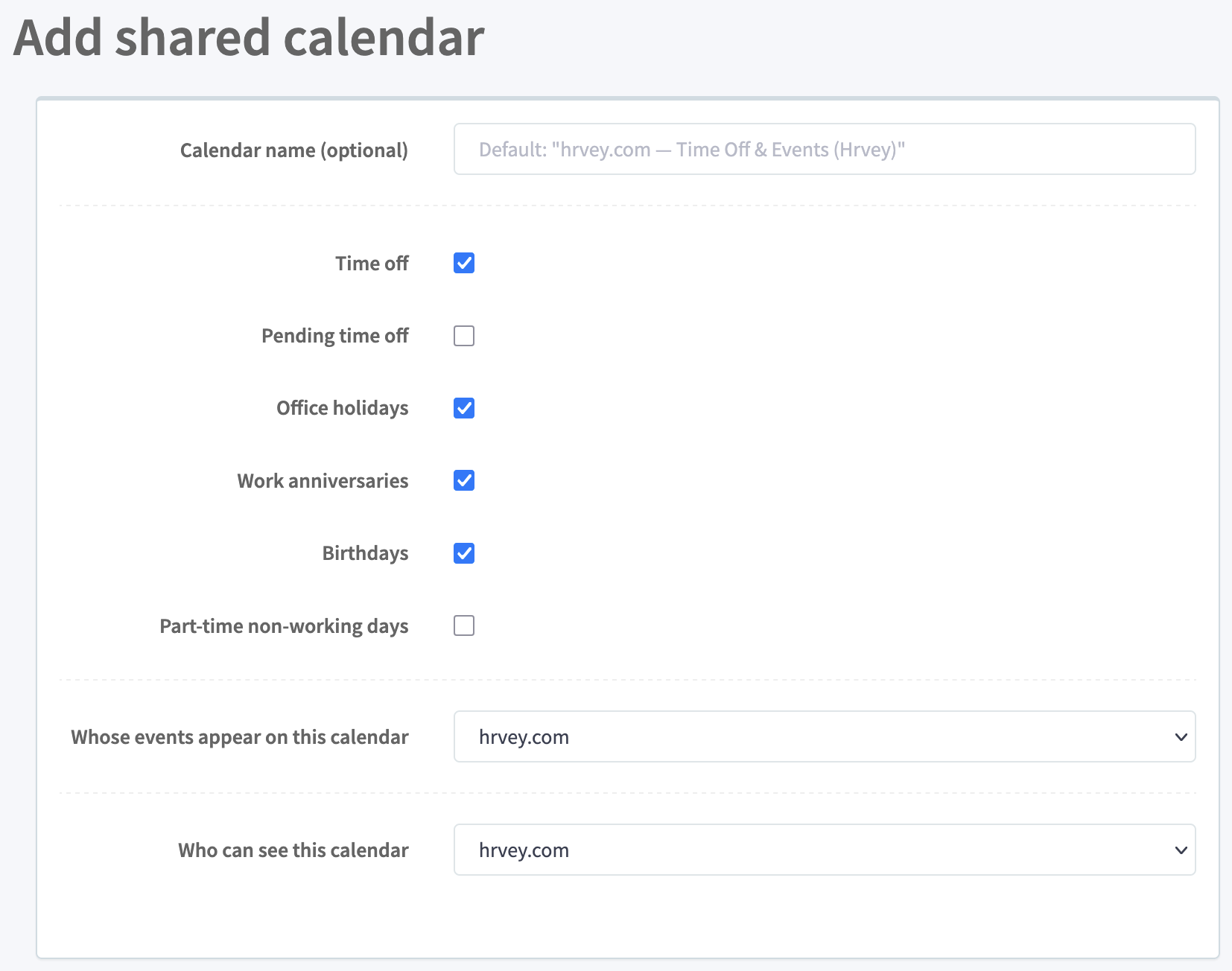
If you don’t enter a custom name for the shared calendar yourself, it will default to a descriptive name based on which event types you choose to show and for which group of users.
This feature is available both on the free and premium plans - although the part-time non-working days option is only available on the premium plan (since that requires custom schedules to be set up for the part-time employees). And on the free tier, you can only set up a single shared calendar, while the premium plan allows you to set up as many shared calendars as you like, with any mix of which users and event types are in each.
Just to recap the improvements we’ve made to the Google Calendar integration recently:
- Hrvey can now automatically set each employee as Out of office when they are on vacation.
- You can set up a shared calendar for each group of users in your organization.
- And with this latest update, you can now also choose which event types to show in each calendar.
Hrvey is a modern tool for managing vacation and leave - learn more here!